

By
AFTouch-Cuisine4.1/5
(15reviews)
· 🍳 31 made it
Be the first to rate
Thanks for your rating!
Add AFTouch to your home screen
A shortcut on your phone for one-tap access.
How to do it on iPhone :
1. In Safari, tap the Share button (square with an up arrow, at the bottom of the screen).
2. Scroll down and tap "Add to Home Screen".
3. Tap Add at the top right.
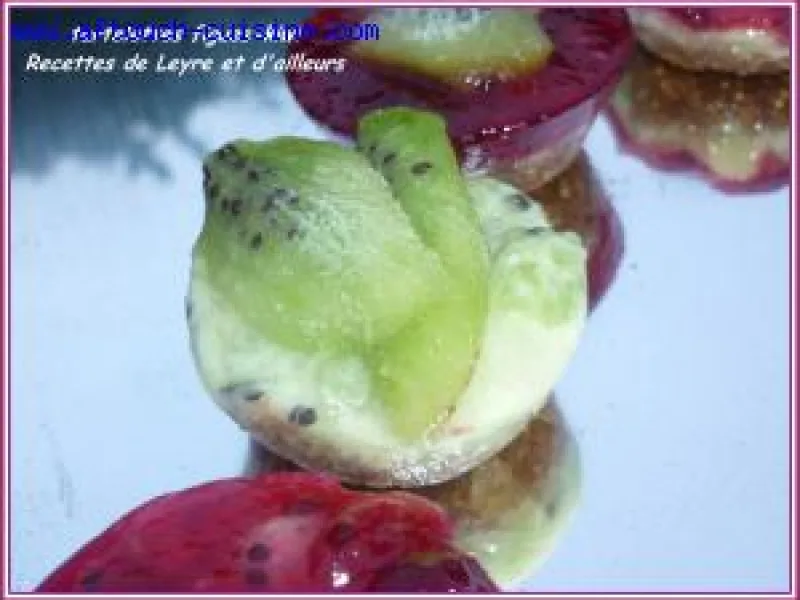
1 Remove the stems from the figs, cut them into pieces and place them in a food processor with the gavottes and honey; the mixture should form a ball. Place 1 tsp of dough in mini tartlet molds and flatten using a tartlet imprint (as shown in photo).
2 Soak the gelatin sheets in cold water for 10 minutes. Heat the milk, add the grated chocolate, then incorporate the gelatin sheets, stir gently and add the kiwis that you will have blended beforehand. Deposit 1 tsp of this filling on the tartlet bases.
3 Cook the raspberries with the syrup and crush them roughly, squeeze out the gelatin sheet and incorporate it into the mixture while still warm. Wait until it has cooled before depositing 1 tsp of the third mixture. I placed it in the freezer for a good two hours for the whole thing to set. Advice (if I may): if I were to remake this recipe, I would use 1 tbsp as the unit of measurement for the tartlet base and for each mixture so the bites are more substantial. They must be stored in the freezer and taken out 10 minutes before serving.
You enjoyed this recipe of no-bake tartlet?
Discover other recipes of tarts, or browse the desserts category. This dish pairs well with Coteaux du Layon and Vouvray.
You have completed the recipe! We hope it turned out delicious.
📷
Show us your creation!
Take a beautiful photo of your dish and share it with our community. Your photo could illustrate this recipe on the site!
💬
Your opinion matters!
Did you adapt the recipe? Have a tip to share? We are eager to hear your feedback and experiences. Your comments help other cooks!
Add AFTouch to your home screen
A shortcut on your phone for one-tap access.
How to do it on iPhone :
1. In Safari, tap the Share button (square with an up arrow, at the bottom of the screen).
2. Scroll down and tap "Add to Home Screen".
3. Tap Add at the top right.
🛒
0
🛒 Shopping List
?
Culinary assistant
×
Hello! I'm the Chef's little helper. What would you like to cook today? 😊
Help other cooks
Share a tip, your adaptation, your result. Every comment counts.